A random Saturday comes as they usually come. While most people are out living their lives, having boyfriends/girlfriends, drinking, and overall just having fun im inside, stunlocked on yet another technological “project”.
I am a somewhat decent music producer (some might say by even saying that I give my self to much credit), and I use FL Studio mainly for my producing. I started using it around 2016ish, copying after well known producers at the time, and slowly developed my own sound in the years to come.
Anyway, this weekend I got a little sidetracked. I had recently found out that you can run windows XP fairly easily on a M1 Mac – thanks to QEMU and UTM. I had a virtual machine I already installed based on this before.
Eventually, I decided I had to find a way to get a older version of FL running in that Virtual Machine. Luckily, for paying FL studio members (which I am) the good old folks at Image Line has all of the old installers available for installation – awesome. I fired up VM and made a tik tok video of me just clicking thru the sounds. After clicking thru the sounds, I needed to do a remake the a classic 2000s hit, “Crank Dat” (do not question the thought pattern that lead me here) so I listened to the song a couple times and got to work. Given that Solja Boy used all stock sounds at the time it was pretty easy to lay out most of the sounds. Cool. Uploaded that to tik-tok, and since that was doing relatively well for my account, I decided run FL 2.7.1
So if your reading this, you probably don’t care about any of the stuff I just said and you just want to replicate it yourself. If you have a Mac, or a Intel based PC, your in luck. If you have a AMD processor (like me for my PC) you have a lot more work to do to get this to work right (its really not that much, I am making it sound harder than it really is).
First, you need to find a windows XP ISO. You can find these pretty much anywhere, but the suggestion that UTM gave worked well in UTM (well, duh), but you can also take that ISO and use it in Virtual Box. After loading that in you are going to edit the settings for the VM so that it will work better for FL to run in it (remember, its running in emulated mode so its going to be harder to get the stability). I increased the ram to 4gigs, added 2 CPUs (for a total of 4). We also need to go to the Sound section in the settings and enable the usb-audio emulated audio card.
Then we go ahead and hit run, and surprise, your back in 2005. Which means you have to wait a god awful long time for it to install. After it installs, you want to make sure that the sound works (duh) reboot and installing the OS should be over.
Now, this next part can be done easily, or it can be done the hard way. I did it the hard way. We need to download fl studio in the VM. But the VM is god awfully slow. and Internet Explorer doesn’t work. Firefox is here to save the day! Use Internet Explorer to install Firefox and then use Firefox to download the FL installer. This will probably take you at least 20 minutes.
Now the easy way (of course, I thought of this after those 20 minutes) is you can just create a disk image file (using daemon tools or Windiskimage) on your computer and THEN just attach it to the VM. This will take you 5 minutes, and is way easier. WTF.
After the installer is downloaded and you installed it, it opens just like any other FL studio. GO TO SETTINGS AND INCREASE THE BUFFER LENGTH ALLL THE WAY TO THE RIGHT. Thats it! old FL. You cannot save with any version after FL 8, because the “authorization method is down” according to Image Line.
Getting FL Studio 1 to work however, required alot more messaging. First, as mentioned before, I had a Ryzen CPU, so virtualization was not going to work – I had to emulate it. Enter 86Box.
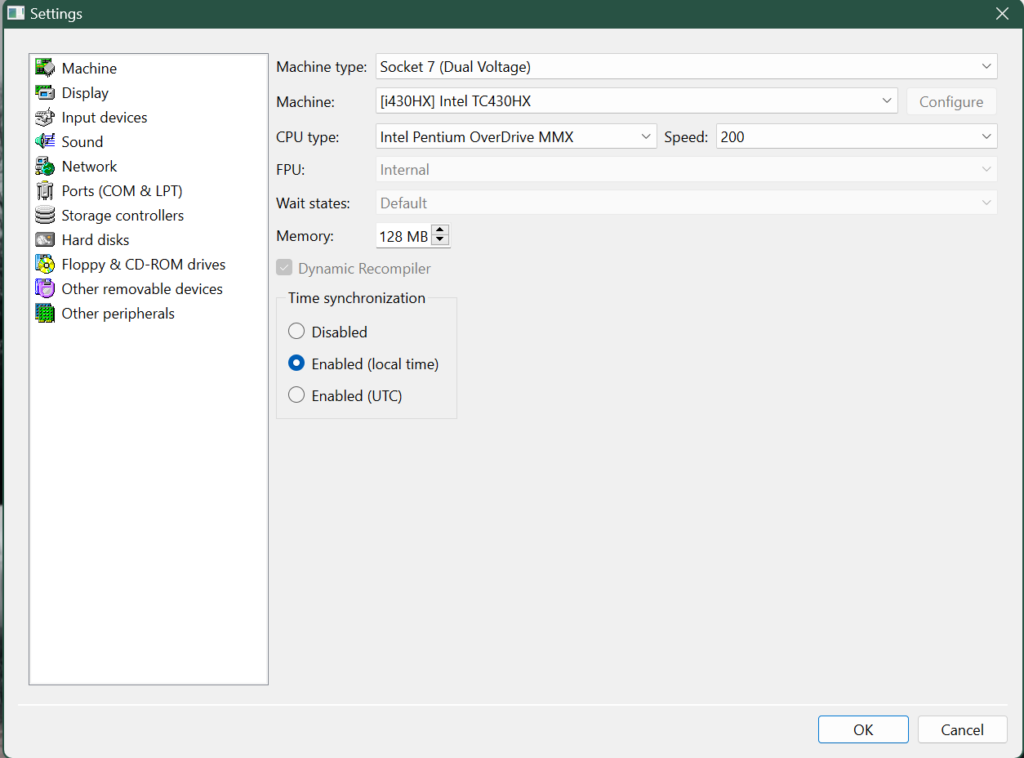
I used these settings to emulate windows 95 and it worked well, but of course adjust settings basted on your PC settings. Go to CD-ROM drives and a CD drive so you can add the Windows 95 ISO. Go ahead and hit start.
Now to load FL into the VM you need to create a disc image of FL on your host computer – I used Daemon Tools to do this, pretty straight forward. And walla – FL 1
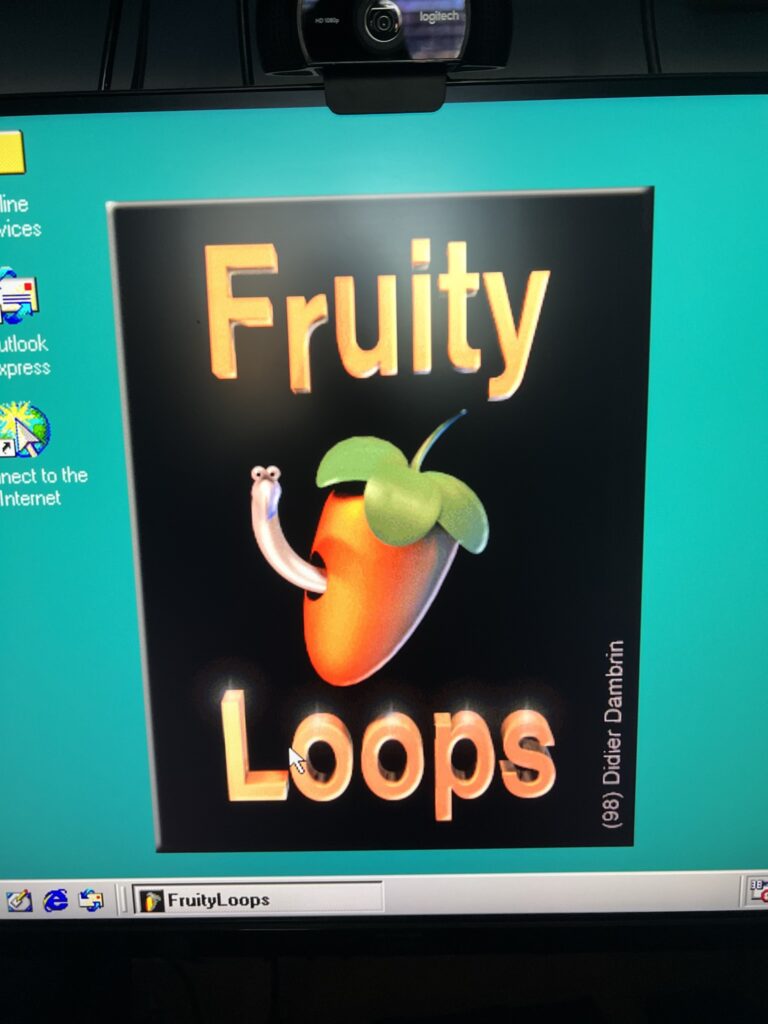
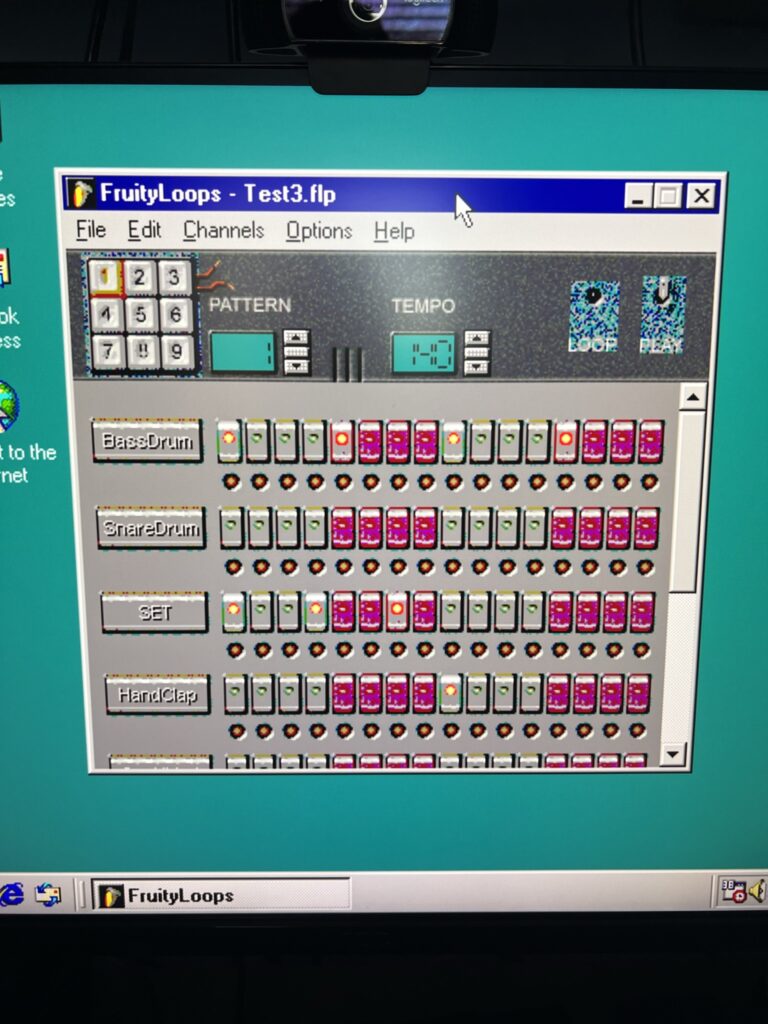
Shout out to the Image Line forums for preserving these!
I made a couple Tik Tok Videos Documenting the Process as well:
Nate
Leave a Reply